Create a Sales Quote with an AI Agent—Without Sending It Too Soon

How healthy is your quote-to-cash?
12 questions on pricing, renewals, billing and reporting. Takes two minutes.
Take the assessmentYes—an AI agent can create a sales quote when it has access to your quoting system and permission to create records. To do it safely, provide the customer, approved pricing and contract terms, request a draft, then review and approve that exact quote before sending it. Bunny’s RevOps Agent supports working against live data, with quotes remaining drafts until explicitly applied. (bunny.com)
This walkthrough focuses on one job: turning a salesperson’s request into a checked, customer-ready quote. The goal is not autonomous negotiation. It is a controlled handoff from request to draft to delivery.
Can an AI agent create a sales quote?
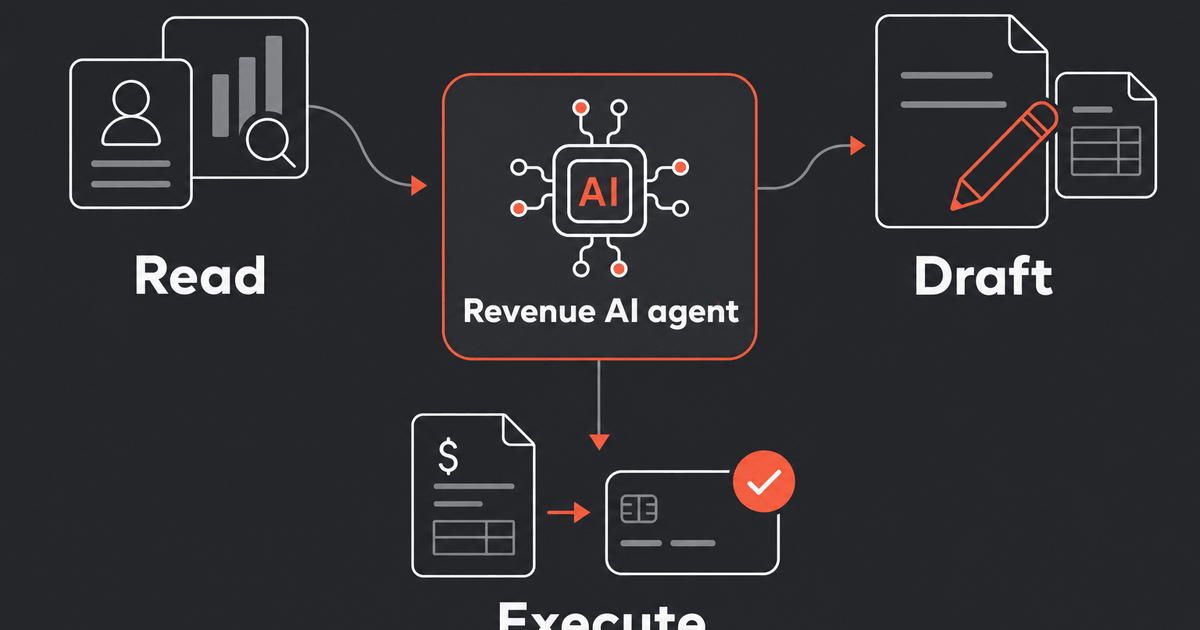
Yes. Bunny documents tools that let a connected agent compose a quote, add charges and discounts, and update its dates and billing terms. That is a saved commercial record, not merely a proposal written in a chat window. (docs.bunny.com)
For this walkthrough, treat the agent as the operator and your CPQ system as the place where the quote must exist. Ask the agent to return the saved record for inspection, not just a reassuring summary.
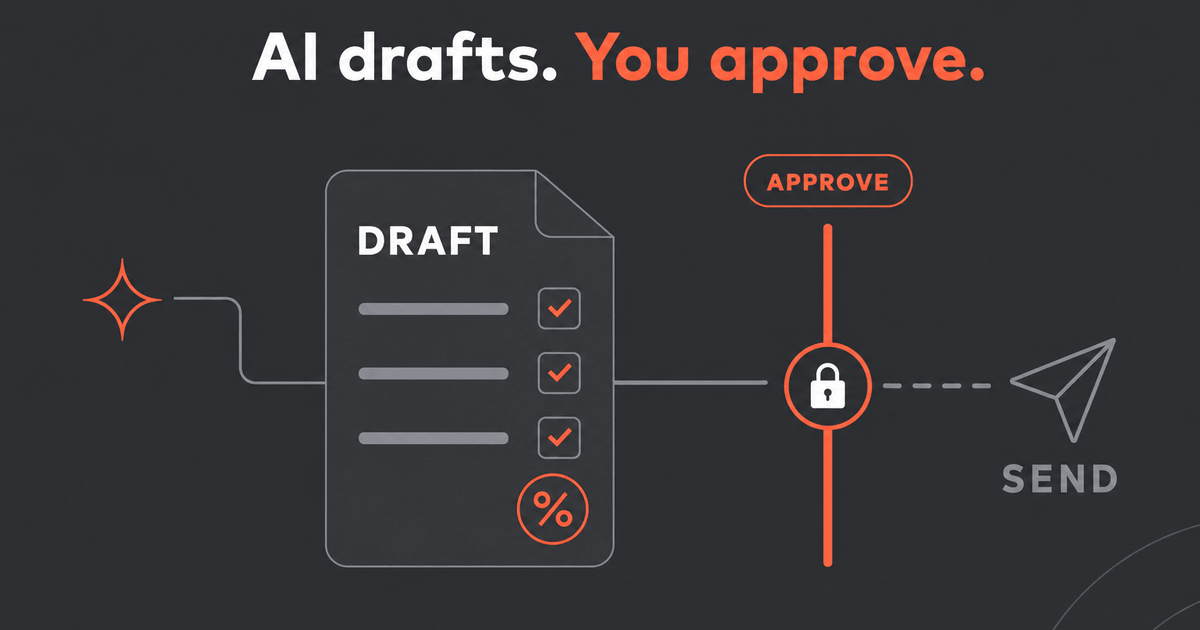
Keep three permissions separate in your operating procedure:
- Draft: prepare or revise the proposed terms.
- Send: deliver the reviewed version to the customer.
- Activate: make the agreed changes effective.
Our recommendation is to authorize each independently. “Create a quote” should not be interpreted as permission to complete all three.
How do I create a quote using an AI agent?
Use this sequence: prepare the commercial inputs, connect the agent, resolve ambiguity, create the draft, inspect the saved result, obtain approval and send.
1. Prepare a quoting brief, not just a request
Before asking for a draft, identify the approved product catalog and price list the agent should use. Give it a compact brief covering:
- Customer: account identifier, buying entity and intended recipient.
- Products: exact plans, add-ons and quantities.
- Pricing: price-list identifier, currency and any requested exceptions.
- Timing: service start, contract length and payment schedule.
- Discounts: eligible charges, percentage or amount, and duration.
- Authority: discount limits, exception reviewer and who may authorize delivery.
Require the agent to retrieve existing records rather than invent identifiers or fill missing terms with plausible defaults. Bunny’s published operator skills specifically address tool selection and avoiding invented IDs or amounts. (docs.bunny.com)
For policy design beyond this task, our guide to why quote approvals matter covers the broader rationale. Here, the practical requirement is narrower: make the stopping conditions explicit.
2. Connect Bunny without granting unnecessary authority
For an external agent, follow Bunny’s MCP connection documentation. Connect a compatible client, complete the Bunny sign-in and consent process, and check which user and account it is operating as. Tools run within that user’s permissions. (docs.bunny.com)
Also install the applicable Bunny Agent Skills. The connector supplies access; the skills supply guidance about how to use the tools. Installing skills alone does not connect the agent to your account. (docs.bunny.com)
Start with a read-only request:
Find the customer account and the approved price list for this deal. Show the matching records and any missing information. Do not create or change anything yet.
If the match is ambiguous, resolve it before proceeding.
3. Ask for a draft with explicit stop conditions
Use a prompt like this, replacing the bracketed fields with confirmed details:
Create a draft sales quote for account [account ID], using price list [price-list ID], for [product and quantity]. Service starts [date], lasts [term], and is billed [frequency] in [currency].
Apply the requested discount only to [eligible charge] for [duration]. Leave other charges unchanged.
Stop and ask if a required term is missing or conflicts with the approved pricing. Do not create new catalog products, send the quote, or apply it.
Return the saved quote ID, a review link, line-item amounts, discount scope and unresolved exceptions.
These are suggested instructions, not a guarantee that prompting enforces policy. Pair them with permissions and your configured approval workflow.
In Bunny’s documented MCP flow, quotes_compose creates the draft and quote_charges_compose adds charge lines. (docs.bunny.com)
4. Inspect the saved quote against an expected result
Use an independently calculated example to test the workflow before relying on it for customer delivery.
Suppose a hypothetical deal contains:
- 40 licenses at $25 per license per month.
- A 12-month term, billed annually.
- A 10% discount on licenses for that term only.
- A $1,500 implementation charge, not discounted.
These are illustrative inputs, not Bunny pricing.
The expected license amount is 40 × $25 × 12 = $12,000. The discount is $1,200, leaving $10,800 for licenses. Including implementation, the expected first-term total is $12,300 before tax.
If the result is $12,150, the discount has also reached the implementation charge. A reasonable-looking total is not enough.
Check the saved quote for:
- Correct customer, currency and start date.
- Correct product and quantity.
- Discount attached only to the intended charge.
- Discount duration matching the request.
- Payment schedule matching the agreement.
- No unexplained additions or assumptions.
If anything changes, review the revised record again. Do not approve from an earlier chat summary.
5. Approve the exact version, including exceptions
Set a concrete policy before testing. For example: discounts above 10% require a designated reviewer, and every AI-prepared quote requires human review before delivery. This is an illustrative policy, not Bunny’s default.
Bunny documents approval conditions for overall quote discounts and individual line-item discounts, among other criteria. Its documentation describes rule checks when quotes are updated in the UI; do not assume that every external-agent write has completed the same review. Inspect approval status in Bunny before sending. (docs.bunny.com)
Ask the reviewer to approve a specific quote ID and its current contents. Any subsequent change to price, quantity, dates or recipient should trigger another review under your procedure.
For a requested 15% discount against a 10% limit, the right response is an exception for review—not silent substitution, self-approval or delivery.
6. Send through the documented sharing flow
Bunny’s MCP tool list does not identify a dedicated customer-send action. For this walkthrough, finish delivery in Bunny rather than inventing an agent command. (docs.bunny.com)
Open the reviewed quote and use Share in the quote builder. Check the recipient, subject and message, then send. Bunny also documents downloading a PDF for delivery through a procurement portal. (docs.bunny.com)
Do not use quotes_apply_changes as a substitute for sharing. That action activates the quote, creates billing schedules and generates invoices; it is not simply a request to email a proposal. (docs.bunny.com)
After sending, record which version went to whom. If delivery status is unclear, check before repeating the action.
Make the first test prove that the agent can stop
Before expanding access, test three deliberate problems:
- Two matching accounts: require clarification instead of a guess.
- An excessive discount: require escalation instead of delivery.
- A changed quote after approval: require a fresh review.
Run these as controlled tests, with customer delivery withheld. Judge the workflow on whether it preserves the intended boundaries—not on how confidently the agent describes success.
A useful AI quoting process ends with a saved quote whose terms you can explain, whose approval you can identify, and whose delivery you deliberately authorized. Automate preparation first. Expand authority only after the stopping points work.

The RevOps expert your team never had
Bunny's AI agent knows your entire book of business and acts on it — flagging at-risk renewals, chasing overdue invoices and closing upgrades.